Features Showcase FAQ Support Download
Features Showcase FAQ Download
Now available for macOS

The All-in-One
Media Creation Toolkit

Stop juggling multiple apps. Get everything you need for content creation in one beautiful, native macOS application.

5+
Pro Tools
Multiple
Languages
Lightning Fast
Editra Interface
🎬
AI Subtitles
✂️
Video Clipper
🎨
BG Removal
Features

Everything you need
in one powerful app

Professional-grade tools designed for creators, by creators.

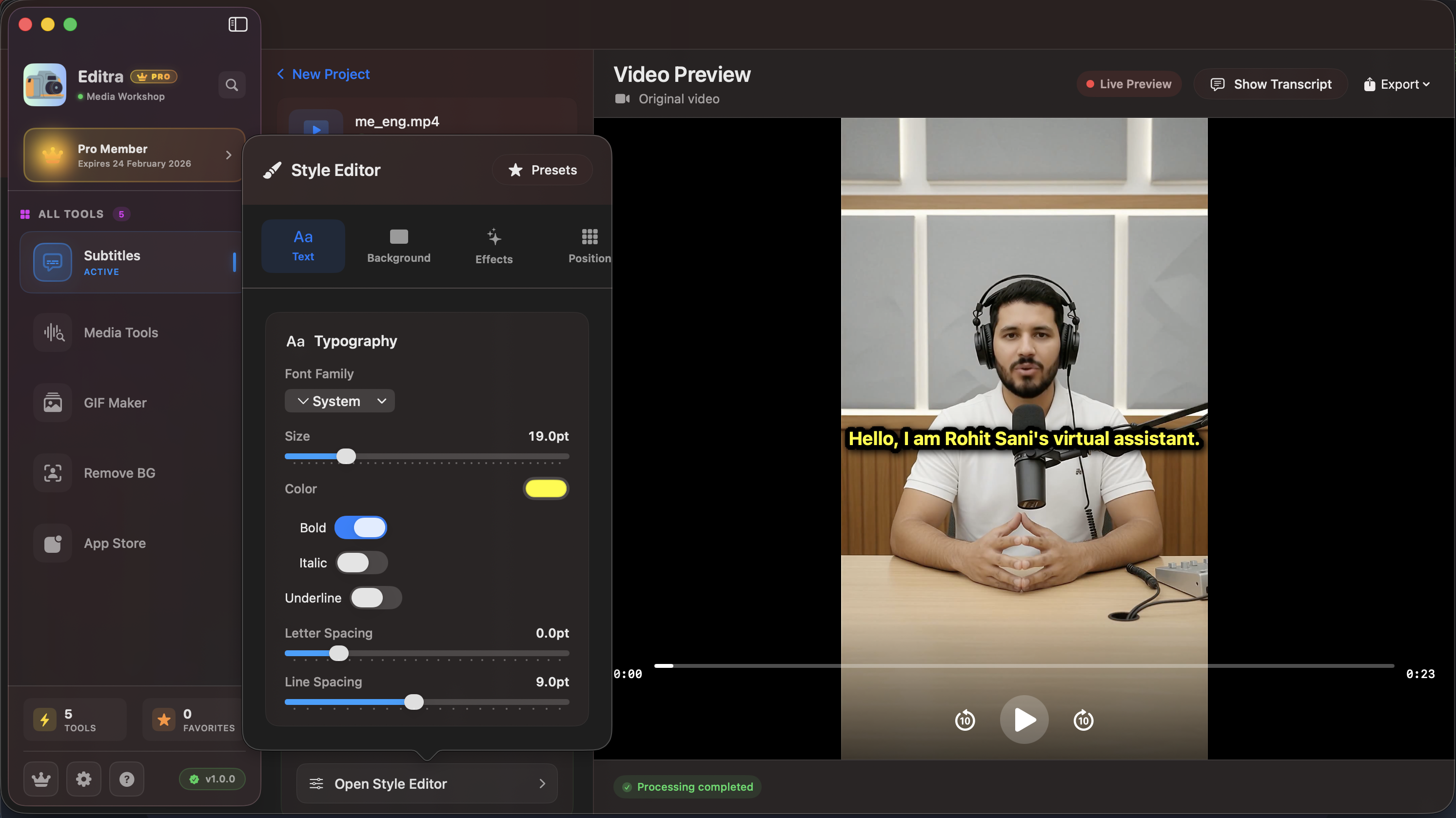
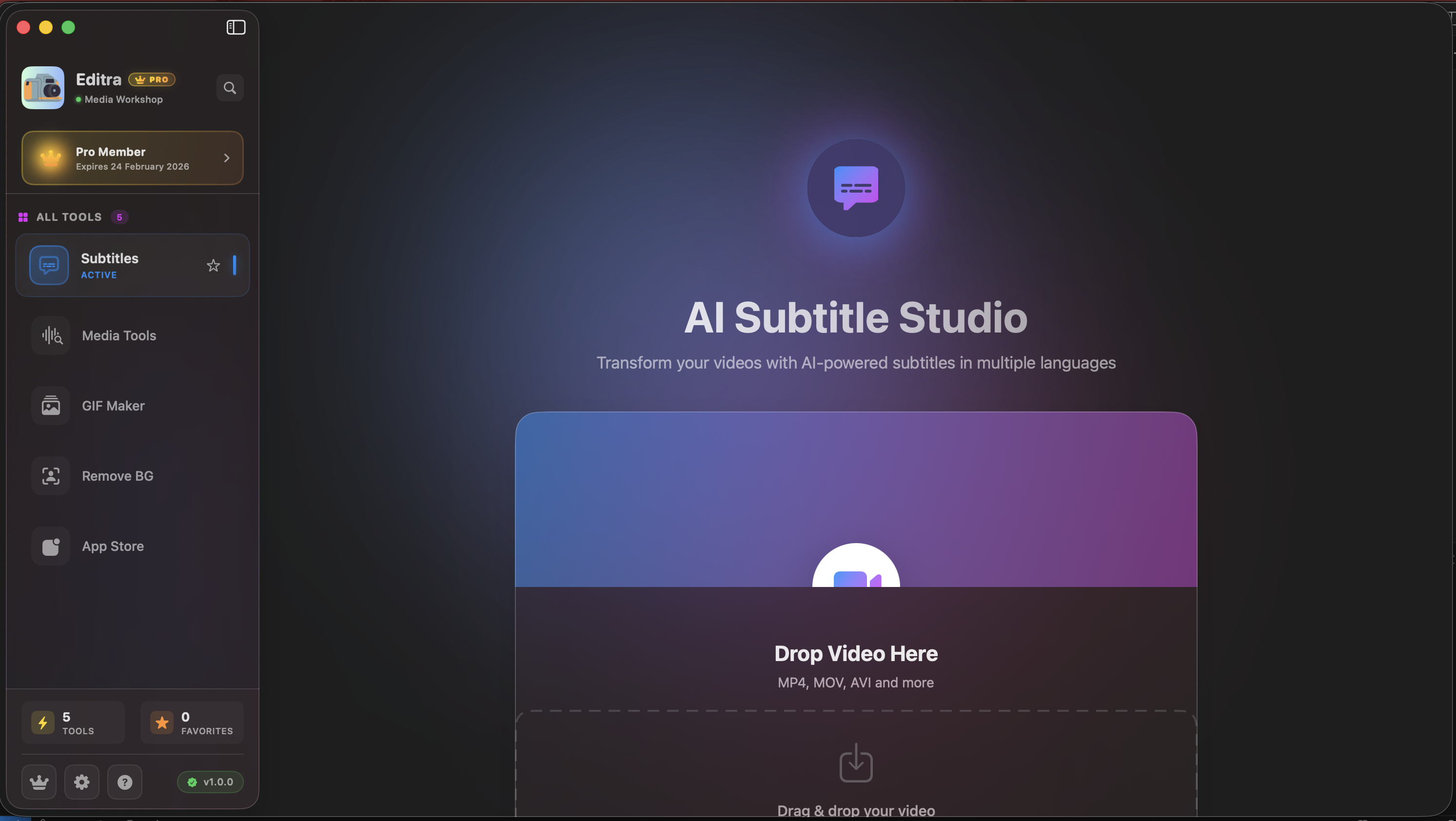
AI Subtitle Studio

Generate accurate subtitles in multiple languages using advanced AI. Export as SRT or embed directly into videos.

  • ✓ Multiple language support
  • ✓ High accuracy transcription
  • ✓ Customizable styling

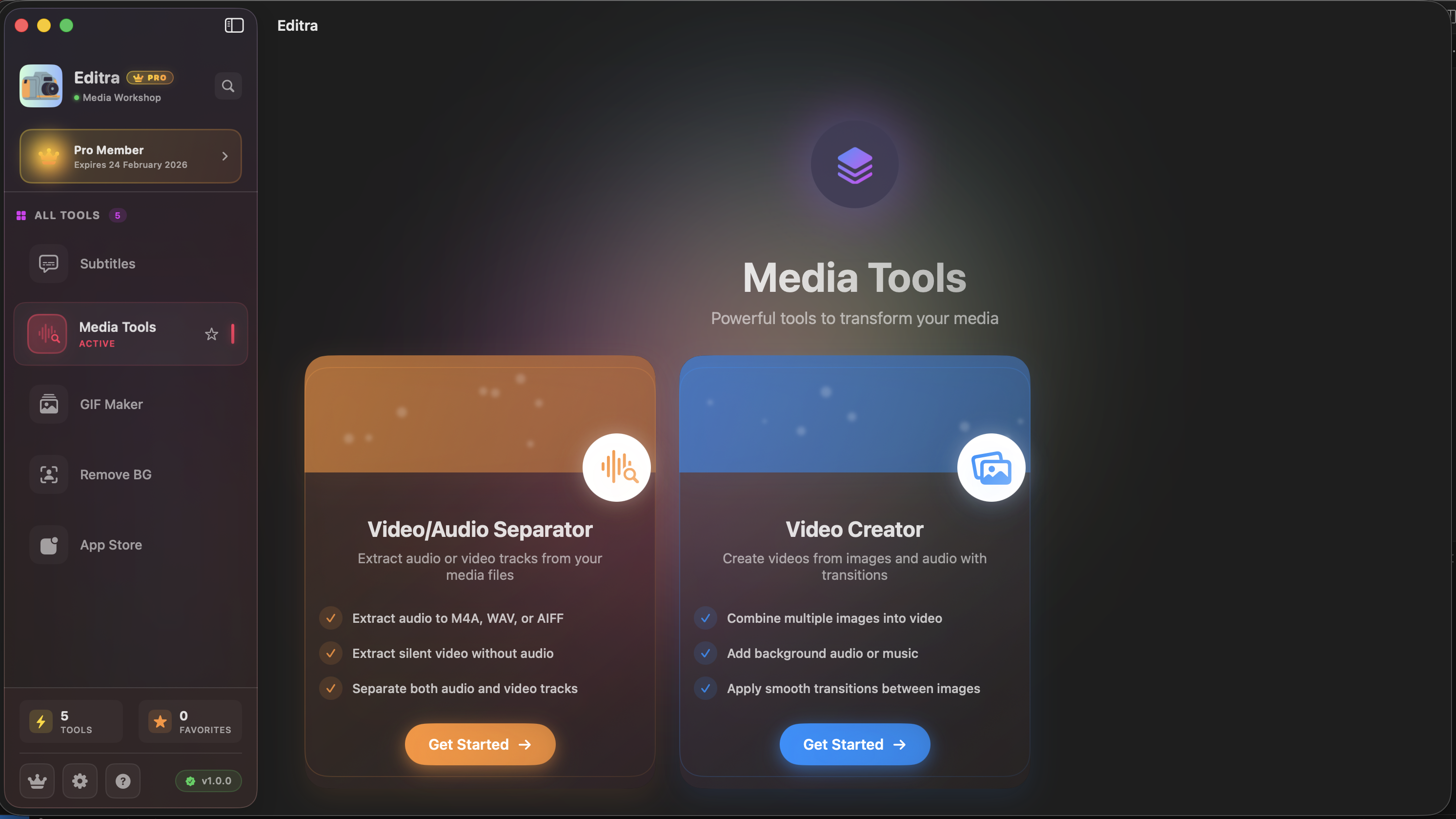
Media Tools Suite

Extract audio, convert videos, and manage your media files with ease. All the essential tools in one place.

  • ✓ Audio extraction
  • ✓ Video extraction
  • ✓ Merge Videos

Video to GIF

Create high-quality animated GIFs from your videos. Perfect for sharing moments on social media.

  • ✓ High-quality output
  • ✓ Customizable frame rate
  • ✓ Size optimization

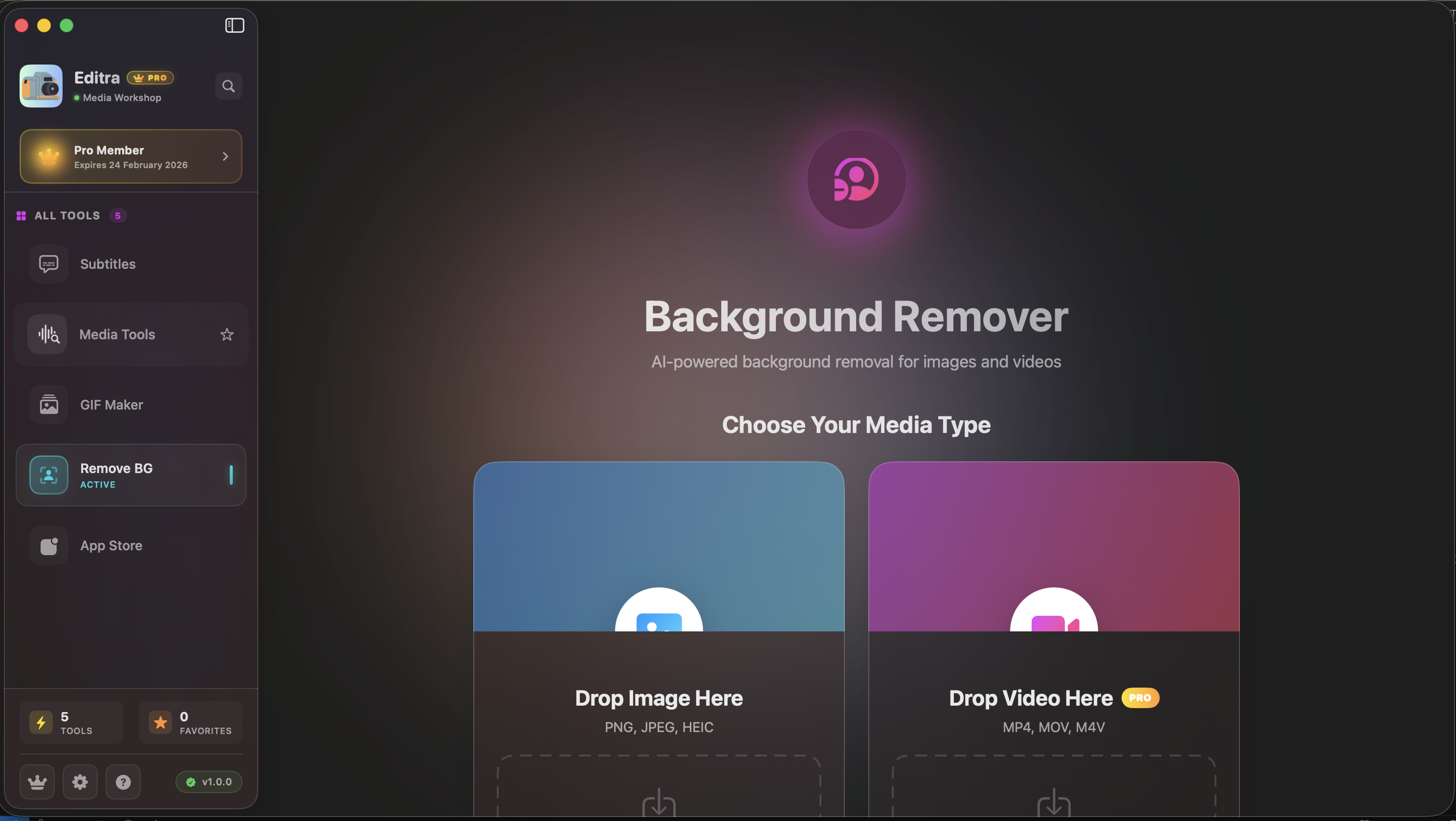
Background Removal

Remove backgrounds from images and videos with AI. Replace with solid colors, gradients, or custom images.

  • ✓ AI-powered precision
  • ✓ Video support
  • ✓ Custom backgrounds
  • ✓ Edge refinement

Icon Generator

Generate all app icon sizes from a single image. Perfect for App Store submissions and development.

  • ✓ All iOS/macOS sizes
  • ✓ One-click export
  • ✓ Automatic resizing
  • ✓ ZIP download
In Action

See Editra in action

Watch how easy it is to create professional content.

Subtitle Generation Demo

AI Subtitle Generation

Automatically transcribe and add subtitles to any video in seconds

Video Clipper Demo

Smart Media Tool

Extract the perfect moments from your videos with AI assistance

Background Removal Demo

Background Removal

Remove backgrounds from images and videos with AI precision

FAQ

Frequently asked questions

Got questions? We've got answers.

Editra supports MP4, MOV, AVI, MKV, and most common video formats. All processing happens locally on your Mac for maximum privacy and speed.

Our AI achieves 95%+ accuracy with clear audio. Accuracy depends on audio quality - we recommend using content with minimal background noise for best results.

No! Editra works completely offline after installation. All processing happens locally on your Mac, ensuring privacy and fast performance.

Editra requires macOS 12.0 or later. We recommend at least 8GB of RAM for optimal performance with large video files.

Yes! You can cancel your subscription at any time from your App Store settings. You'll continue to have access until the end of your billing period.

All purchases are handled through the App Store and are subject to Apple's refund policy. Generally, refunds are available within 14 days of purchase.

Support

We're here to help

Get the assistance you need to make the most of Editra.

Email Support

Get help via email. We typically respond within 24 hours.

support@rohitsainier

Report a Bug

Found an issue? Let us know so we can fix it quickly.

Report Issue

Feature Request

Have an idea? We'd love to hear your suggestions.

Share Idea
< 24h
Average Response Time
98%
Customer Satisfaction
24/7
Community Help

Ready to create amazing content?

Join thousands of creators who've already made the switch to Editra.